The myth of the non-paying client December 10, 2012
Posted by Jill (@bonnjill) in Business practices.12 comments
Catherine Christaki (@LinguaGreca) from Adventures in Freelance Translating has an interesting blog post about the results from the Common Sense Advisory survey of freelance translators. Her post was published on the 7th, but I am just catching up with my RSS reader today after a weekend off hosting my cousin from Florida. I found the results of the survey very interesting. Catherine was astounded that so many translators (65.3%) reported never having had to deal with a non-paying client. I don’t find that such a stretch. I think there are way more good agencies than bad agencies out there. It’s just that you never hear about all the clients that DO pay. Translators are more likely to complain about the few black sheep they encounter. I worked in the industry for 16 years before encountering my non-payer. Luckily I also knew to cut them off after the second job request, so they only ended up not paying $60 instead of several thousand dollars. In terms of numbers, that was several hundred paying clients (even if some of them were slow payers) against a single non-paying client. As I have preached time and again (and Catherine also advises), it really helps to do some due diligence on a new client before working for them. I agreed to work for the non-paying client because I was driving in my car, they said a colleague had recommended me, and they were in a terrible bind. Looking back, I should have made them wait until I could go home and check them out. But since it was such a small job I took the risk and accepted the job. If it had been a larger job I would have made them wait.
So the moral of this story is that there truly are many more good agencies than bad out there, and the numbers back this up. 65.3% of the 3,165 translators who took the survey prove this. Be sure to read Catherine’s blog post as well as click the link to the survey she has included in her post.
TGIF: Speech 101 prank December 7, 2012
Posted by Jill (@bonnjill) in Fun stuff, TGIF.1 comment so far
Jose Barrientos has posted a series of prank speeches from his Speech 101 class. He was bored and decided to do his first speech with an accent. He spent the entire semester talking in a Mexican accent and revealed during the final that his accent was fake. He fooled just about everyone in the class. It’s pretty funny. Enjoy!
Speech 1 – he brings in a pinata:
Speech 2 – he talks about his admiration of David Hasselhoff:
Speech 3 was about Cinco de Mayo, but he doesn’t appear to have posted that one on Youtube.

Warning – it’s a scam! November 30, 2012
Posted by Jill (@bonnjill) in Scam alert.2 comments
Someone just posted the following e-mail on the GLD listserv. If you received it DO NOT FALL FOR IT! I seriously doubt a translator owns all 11 of these tools. I have three tools myself, but certainly not four versions of the same tool!
I’d like to quickly sell my unneeded CATTs at reasonable prices, since I am going into the travel business, and since I do not need them anymore, I’d like to sell them to a colleague who really needs them to work with, but cannot afford the high prices:
1. SDL Trados v7.5 2006 at only 100 GBP
2. SDL Trados Suite Professional v8.3 SP3 2007 at only 150 GBP
3. SDL Trados Studio Professional v9.1 SP3 2009 at only 200 GBP
4. SDL Trados Studio Professional v10.2 SP2 2011 at only 250 GBP5. Atril DejaVu X Professional v7.5 2009 at only 200 GBP
6. Atril DejaVu X2 Professional v8.0.505 2012 at only 250 GBP
7. Star Transit XV Professional 2005 at only 100 GBP8. Multilizer Enterprise 2011 v7.8.5 at only 200 GBP (www.multilizer.com )
9. Sisulizer Enterprise 2012 v3.0 at only 200 GBP (www.sisulizer.com )
10. Systran Translator Professional v6 2009 at only 50 GBP (www.systran.co.uk)
11. Babylon Translator Professional v8.0 at only 50 GBPor all 11 software ( ot at least 5 of them) at a discounted price of only 700 GBP. If interested, please, send the payment (for the CAT you want to have) to my bank account (bank details below) or via http://www.moneybookers.com to my MB e-mail as well as send me the mail address you want your software sent to. I will send any software from the list to any mail address by 1st class royal mail or by DHL courier same day I see my payment in my bank account.
My payment details are:

#ata53: Common German Terms That Make Native English Speakers Want to Bang Their Heads Against the Wall November 26, 2012
Posted by Jill (@bonnjill) in ATA.1 comment so far
 In this workshop-style session a panel of experts discussed some of their favorite “thorny enemies,” that is, German terms that are difficult to pin down and frequently mistranslated. Participants were invited to contribute their own “thorny enemies,” and everybody threw out suggestions for the best translations for these. This session had a lot of potential, with a stellar panel of German to English and English to German translators, but I was somewhat disappointed with the final result. The “contributions from the audience” part kind of made it a free-for-all, with people shouting out suggestions. And all of the suggestions were right depending on the context. Some examples included: Absatz/absetzen, abwickeln, Bereich, betrieblich, Es ist zu + verb, Fach- + anything, grundsätzlich, im Rahmen der/des, kompetent, maßgeblich/maßgebend, plausibel, qualifiziert, Sachverhalt, Wahrnehmung/wahrnehmen and wobei.
The session was amusing, but I don’t feel I learned anything new. Then again, that wasn’t the point of the session. This kind of session would be a difficult one to conceive and implement, and I appreciate that the presenters banded together to come up with it.
(Almost) Wordless Wednesday – a day late and a dollar short November 22, 2012
Posted by Jill (@bonnjill) in Fun stuff.3 comments
Sorry I missed (Almost) Wordless Wednesday this past Wednesday. I had a visitor and was buying a car. Hope everyone in the States and all you expats abroad enjoyed a peaceful Thanksgiving.
#ata53: Orientation Session for First-Time Conference Attendees November 15, 2012
Posted by Jill (@bonnjill) in ATA.add a comment
Since I was the presenter and not an attendee I don’t have much to say about this session at the ATA conference – other to say that you can watch it on the ATA webinar page (for FREE!) and prepare yourself for next year’s conference. Sarah Dillon told me she is a huge fan, having listened to the webinar a whopping 7 times before the conference, and numerous other attendees came up to me thanking me for presenting the session. If you are nervous about attending the conference, this webinar is a great way to prepare for it mentally as well as physically (I include tips on how to write a resume, what your business cards should have on them, how to dress, networking tips, etc.).
As the abstract for the session states:
Is this your first time attending ATA’s Annual Conference? Do not be shy-we would love to meet you! The speakers will provide tips to help you get the most out of the conference and answer your questions. This will be a great opportunity to network with other first-time attendees from around the country and around the world!
We always start off the session at the conference with a five minute “introduce yourself to someone you don’t know” so that everyone knows at least one new person by the time they leave. So be sure to watch the webinar and prepare yourself for next year’s conference in San Antonio. We look forward to seeing you!
Success! Dictionaries and glossaries happily co-mingling in UniLex… November 9, 2012
Posted by Jill (@bonnjill) in Tech tips, Tools.3 comments

I was able to install Der Große Eichborn, my Collins Unabridged German Dictionary, and a pharmaceutical/medical glossary with 1006 entries that I have had for a while. All three of them are happily co-mingling. Now if you’ll excuse me, I need to upgrade/purchase a couple of dictionaries at the UniLex website because my versions of Ernst, Kucera and Brinkmann/Blaha were all produced before 2000 and are not compatible with Windows 7.
#ata53: Managing, Importing, and Exporting Bilingual Glossaries with UniLex November 8, 2012
Posted by Jill (@bonnjill) in ATA, Tech tips, Tools.4 comments
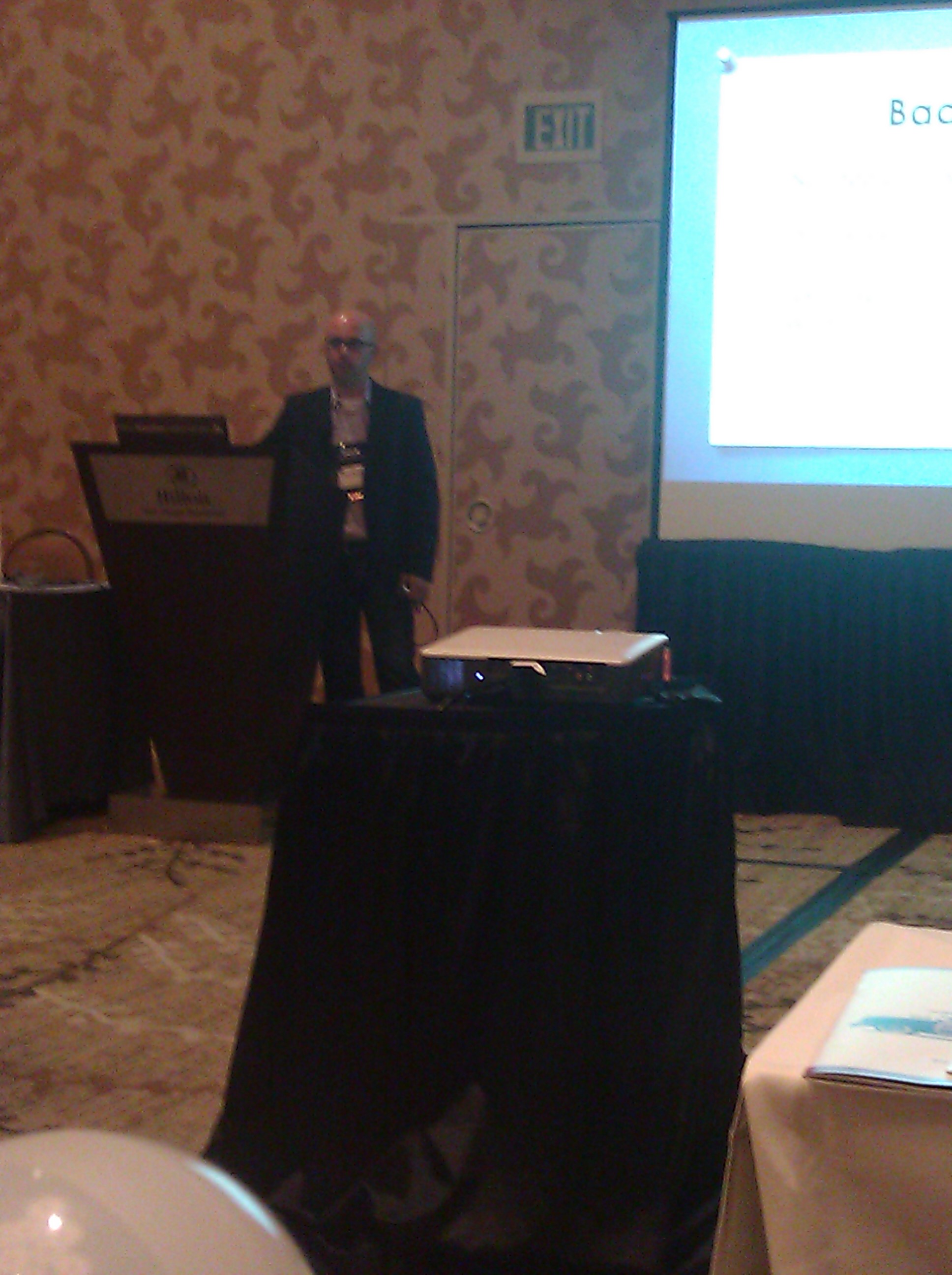 I checked into the Hilton Bayside in San Diego on the Tuesday before the annual ATA conference to attend the above-named preconference seminar by Fabio Said (@fidusinterpres) on Wednesday morning. I like attending preconference seminars, because they allow you to really delve into the material in three hour increments. The conference sessions are usually around one hour and don’t allow that much detail. The preconference seminars went up in price this year, so I only attended one. That said, I was glad I chose Fabio’s presentation, because I can see how it will really benefit me in everyday practice.
To quote the abstract, “This hands-on seminar [showed us] how to use UniLex, a professional (and free) terminology management tool, to keep all your existing and future bilingual glossaries in a single application.” I was probably one of the only people in the room who had actually worked with the tool; however, I had never known that it could be use to manage my own glossaries. Having trained under terminologist extraordinaire Sue Ellen Wright at Kent State, after graduation I worked as a terminologist for six months at a translation agency in Germany and then off and on for them as needed for another six months. I am quite familiar with the process of creating glossaries for clients and for your own use.
Acolada’s UniLex is a German tool that allows you to look up terms and translations in a number of dictionaries within seconds. I have been using the professional version for years when I purchased German-English dictionaries such as the Collins/PONS German-English dictionary, Wahrig Wörterbuch der deutschen Sprache, Brinkmann/Blaha: Data Systems and Communications Dictionary, Ernst: Dictionary of Engineering and Technology, Dietl/Lorenz: Dictionary of Legal, Commercial and Political Terms, Kucera: Dictionary of Chemistry, der Große Eichborn, and several specialized Langenscheidt dictionaries, which are all available on UniLex Pro. It is a stand-alone tool, which does not allow you to copy a term in Word and look it up in the interface, but this makes it an ideal tool to manage your own glossaries as well. Both tools are free, but Fabio stressed several times that we should download and use the regular version, because the regular version allows you to edit the data.
Fabio discussed what the tool can and cannot do. Like I said, it does not integrate with Word or CAT tools. However, if you are a word geek you can really customize it to meet your needs, with spaces for part of speech, context and other details. You can import existing glossaries, add new entries to existing glossaries, and export the data into nice-looking RTF Word files. Not bad for a free tool…
I wrote about using electronic dictionaries back in 2008 and am using the screenshot of the UniLex interface from that post. Since I haven’t had a chance to install it on my new Windows 7 system it may or may not look a little different than in the screenshot below, which was taken from an XP system.
He then walked us through how to create a dictionary in UniLex and import a bilingual glossary (as an Excel file). One thing to remember is that “Key” is the source term and “Equivalents” is/are the target term(s). He also shared a sample Excel table to use for the process, which was organized in 8 columns. The Excel table should then be copied into Notepad or another text editor to ensure no hidden formatting is copied with the data into UniLex. The text file should then be saved using ANSI encoding to ensure any special characters are maintained; however, some systems may do better with UTF-8 encoding. You should test your system before importing large glossaries and editing existing dictionaries. The last step is to close UniLex and reopen it to view the contents of your dictionary.
I have downloaded the tool, but haven’t gotten around to playing with it on my own yet. I’ve been pretty busy dealing with the insurance company, running errands, and following up with the people I met at the conference. Oh yes, and translating. Can’t forget the day (and night) job. I do, however, look forward to playing with it once my life calms down (maybe after the holidays?). In summary, I am very happy I attended Fabio’s preconference seminar and look forward to becoming an amateur terminologist again. I’m curious to see if my old dictionaries and the glossaries I create from my Excel glossaries will be able to happily and smoothly co-exist.


